
It is a digital gift card. When purchased, a gift card code will be emailed to the recipient.

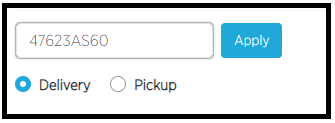
Your customers can then enter that code into the promo box when checking out.
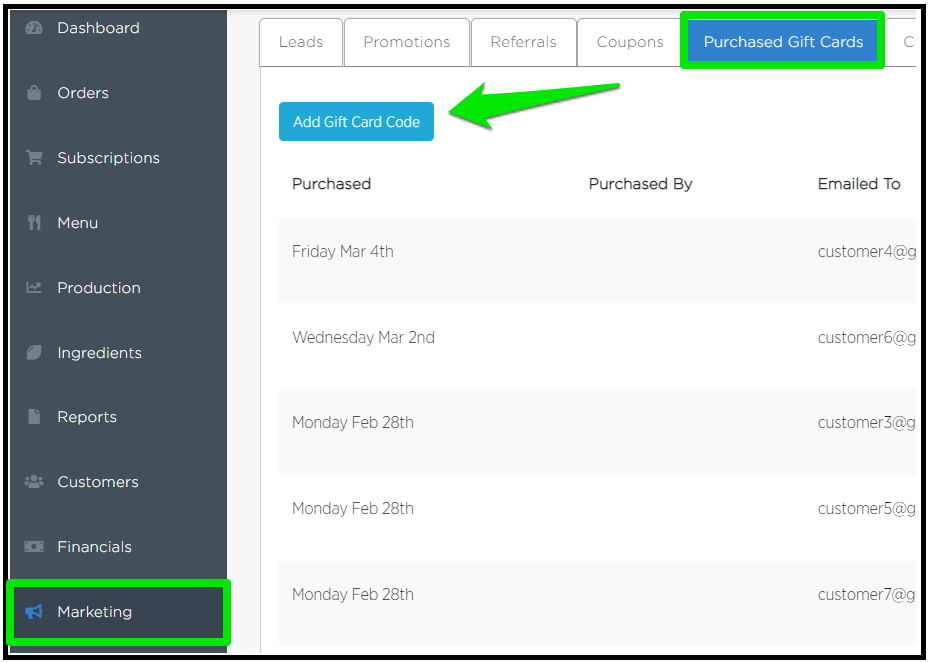
You can view all gift card amounts and balances as well as create a new gift card (Add Gift Card code button) on the Marketing > Purchased Gift Cards tab.
NOTE: Only the purchaser and recipient can use the Gift Card code on the Checkout page. However, if a Gift Card is created by you (store), then any customer can use the code.
Don't hesitate to contact GoPrep's Customer Support Team for further assistance.
You can do so by submitting a request or sending an email to help@goprep.com.
Comments
0 comments
Article is closed for comments.